A cleaner look at how CommentShark moves comments forward
Each example shows a simple chain of events: a comment comes in, CommentShark makes a decision, and the right action happens next.
💬Engagement
Auto-reply to thank-you comments
Keep warm comments warm. The system recognizes the thank-you, matches the rule, and replies before the moment cools off.
Fans feel answered while they are still watching.
@musicfan2024
24 min ago
Thanks so much for this tutorial. Really helped me out.
Rule matches
CommentShark
now
CommentShark detects a high-confidence thank-you comment.
No manual review needed for this rule.
Reply posts
@yourChannel
now
@musicfan2024 You are so welcome. Glad it helped and thanks for watching.
Community stays active
Outcome
now
The creator feels present without having to live in YouTube Studio.
💸Revenue
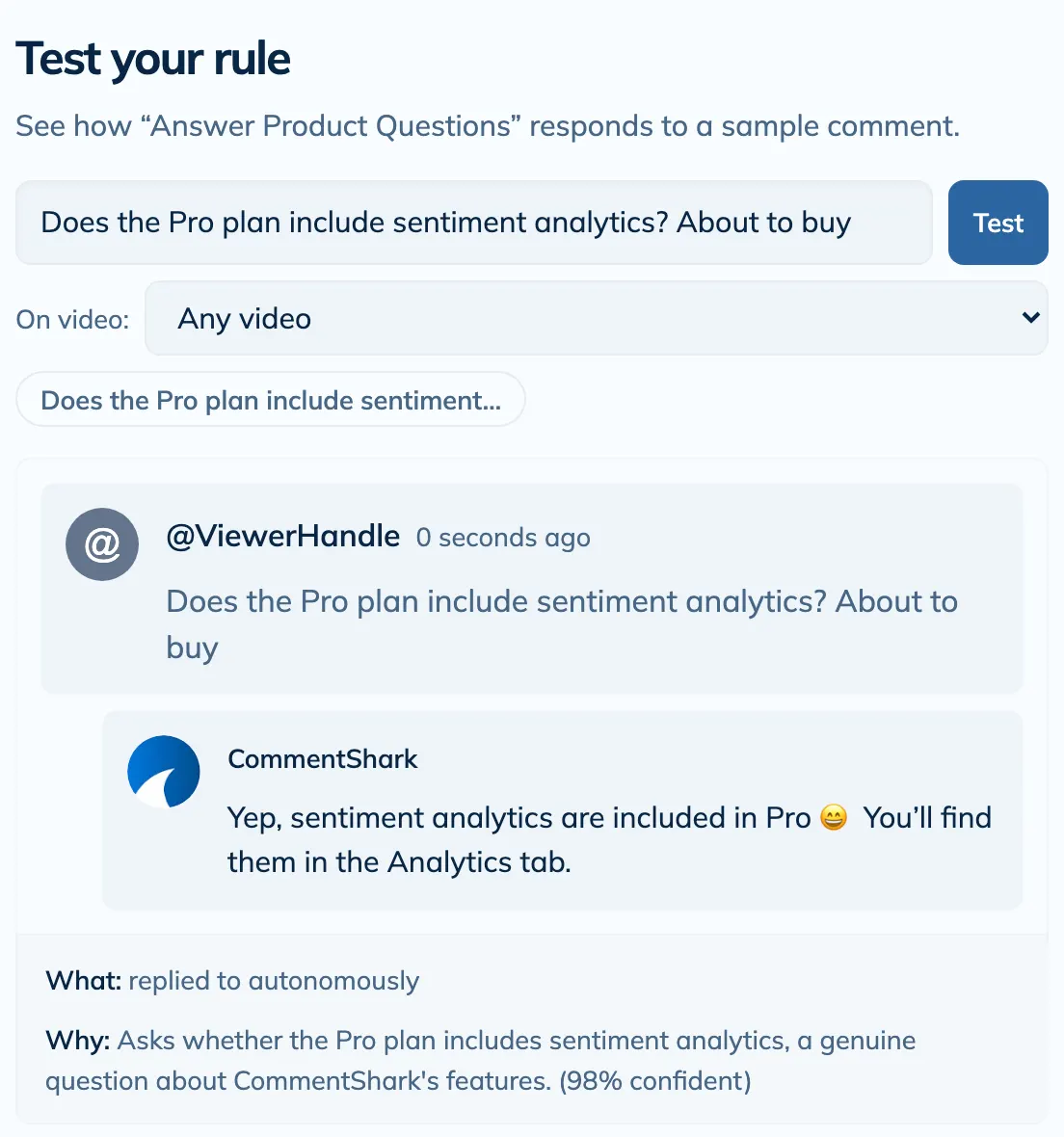
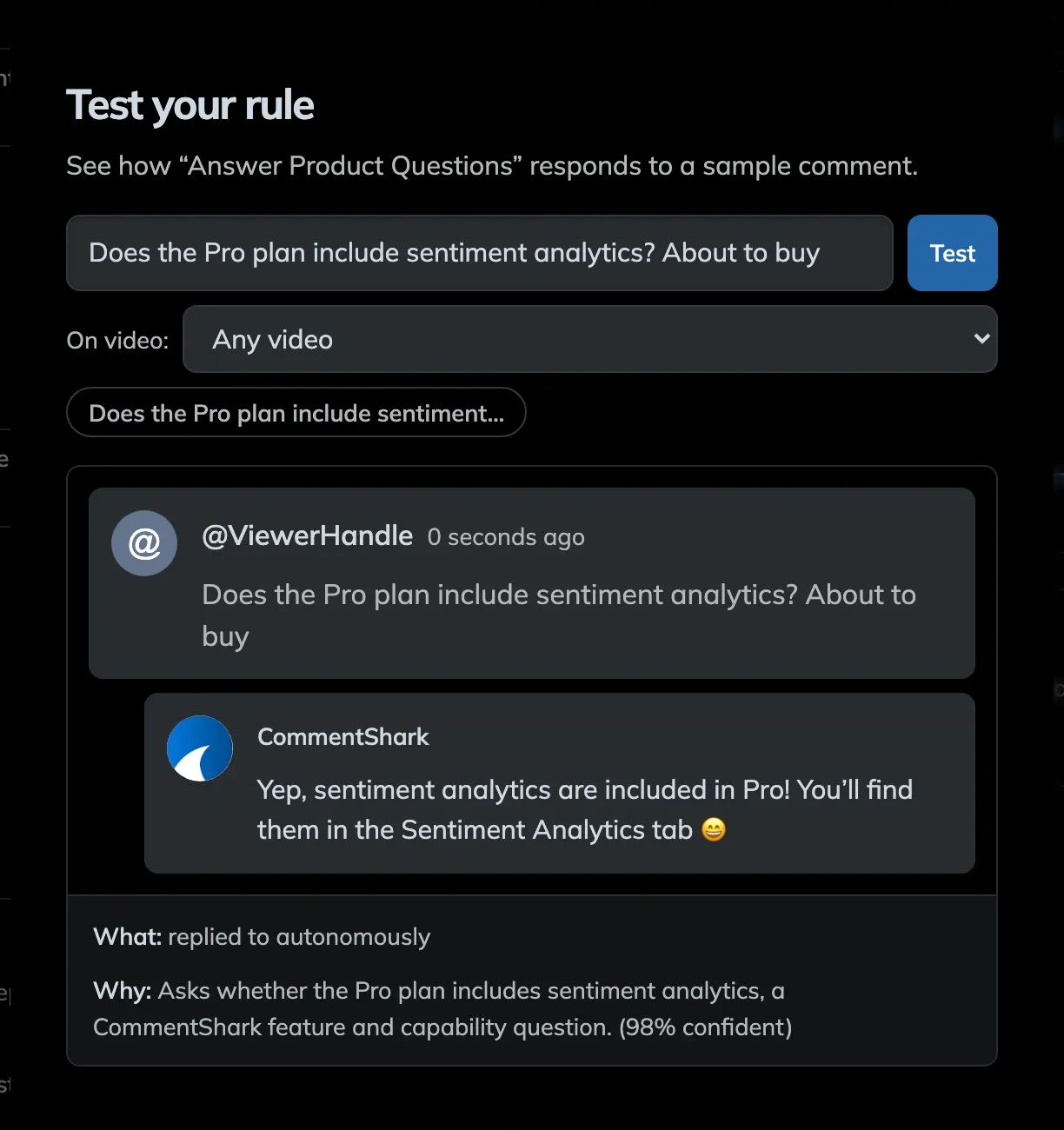
Answer product questions while buying intent is hot
When someone asks where the boots, camera, or gear came from, the answer appears instantly instead of hours later.
Curiosity turns into clicks before the viewer leaves the thread.
@fashionista_jane
33 min ago
Love this outfit. Where did you get those boots?
AI classifies intent
CommentShark
now
CommentShark recognizes the comment as a product inquiry.
It routes to the right product-reply logic instead of a generic template.
Reply posts
@yourChannel
now
@fashionista_jane They are linked in my bio and code SHARK10 gets you 10% off.
Intent gets captured
Outcome
now
The answer arrives while the viewer still wants it.
🛡️Moderation
Delete obvious scams before real viewers ever see them
The comment section stays useful when spam gets handled as soon as it appears, not after it has already polluted the thread.
The audience sees a cleaner, safer community by default.
@get_rich_fast_99
47 min ago
I made $50,000 last month. Click my profile link now for the secret.
AI flags it
CommentShark
now
CommentShark identifies it as scammy self-promotion.
It sees the pattern, not just one blocked phrase.
Action completes
Outcome
now
The spam comment is deleted automatically.
✅Control
Keep approval mode for the moments that need judgment
Automation does not have to mean autoposting everything. Some comments deserve a fast human pass before they go live.
Creators get speed where it helps and control where it matters.
@curious_viewer
41 min ago
Can you make a video explaining how to edit like this? I would love a tutorial.
Draft gets prepared
CommentShark
now
CommentShark writes the reply but sends it to approval mode first.
This keeps higher-context requests in the loop.
Draft is ready
@yourChannel
now
@curious_viewer Great idea. I am adding it to the list and will try to cover it soon.
Creator decides
Outcome
now
One click approves and publishes the response.
Creator Outcomes
Creators on paid plans save an average of 13 hours a month with CommentShark, and commenters who get a reply are 2.5x more likely to come back.
0+Comments processed
0+Actions automated
0+Commenters engaged
0+Languages supported
Creator Priorities
Why Creators Choose Us
Faster replies, cleaner threads, and a channel that feels active without more manual work.
Feels Faster
Reply while attention is still on the video.
Stays Cleaner
Filter spam before it shapes the thread.
Converts Better
Answer product questions before intent fades.
🛡️Safety
Moderate scams, spam, and abuse before they shape the thread
Catch obvious junk early so real viewers see a cleaner, safer comment section by default.
Your community notices when the noise disappears.
⏱️Time Back
Save hours every week without ghosting your audience
Automate thank-yous, FAQs, and routine replies so your comment section keeps moving even when you are off camera.
Less repetitive cleanup. More time making the next video.
💸Revenue
Capture buying intent while the question is still warm
When viewers ask about your gear, outfit, merch, or sponsor, the answer can appear before they bounce out of the thread.
Curiosity becomes clicks instead of a missed sale.
📈Momentum
Make the channel feel active the moment comments arrive
Fast replies keep threads alive, encourage more people to jump in, and make the whole channel feel more present.
More conversation without living in YouTube Studio.
🌍Reach
Reply across languages without creating a second workflow
Use translated templates or AI replies so international viewers are part of the conversation, not ignored at the edge of it.
A wider audience feels like a real audience.
✅Control
Keep approval mode for the moments that actually need judgment
Let the routine stuff run automatically and keep a human check only where context, tone, or nuance matters.
Speed when it helps. Oversight when it counts.
What creators say
“Much better than other well-known Chrome plugins I've used. Fastest way to respond to comments.”
“I use CommentShark every day. Templated responses are a game changer.”
“I LOVE CommentShark.”
“CommentShark is a great tool that other YouTubers would love.”
Creator Toolkit
A complete toolkit for faster, cleaner YouTube comments
Moderate noise, reply in your own voice, surface the questions worth answering, and keep your channel feeling active without living in YouTube Studio.
🤖Feature
Comment Assistant
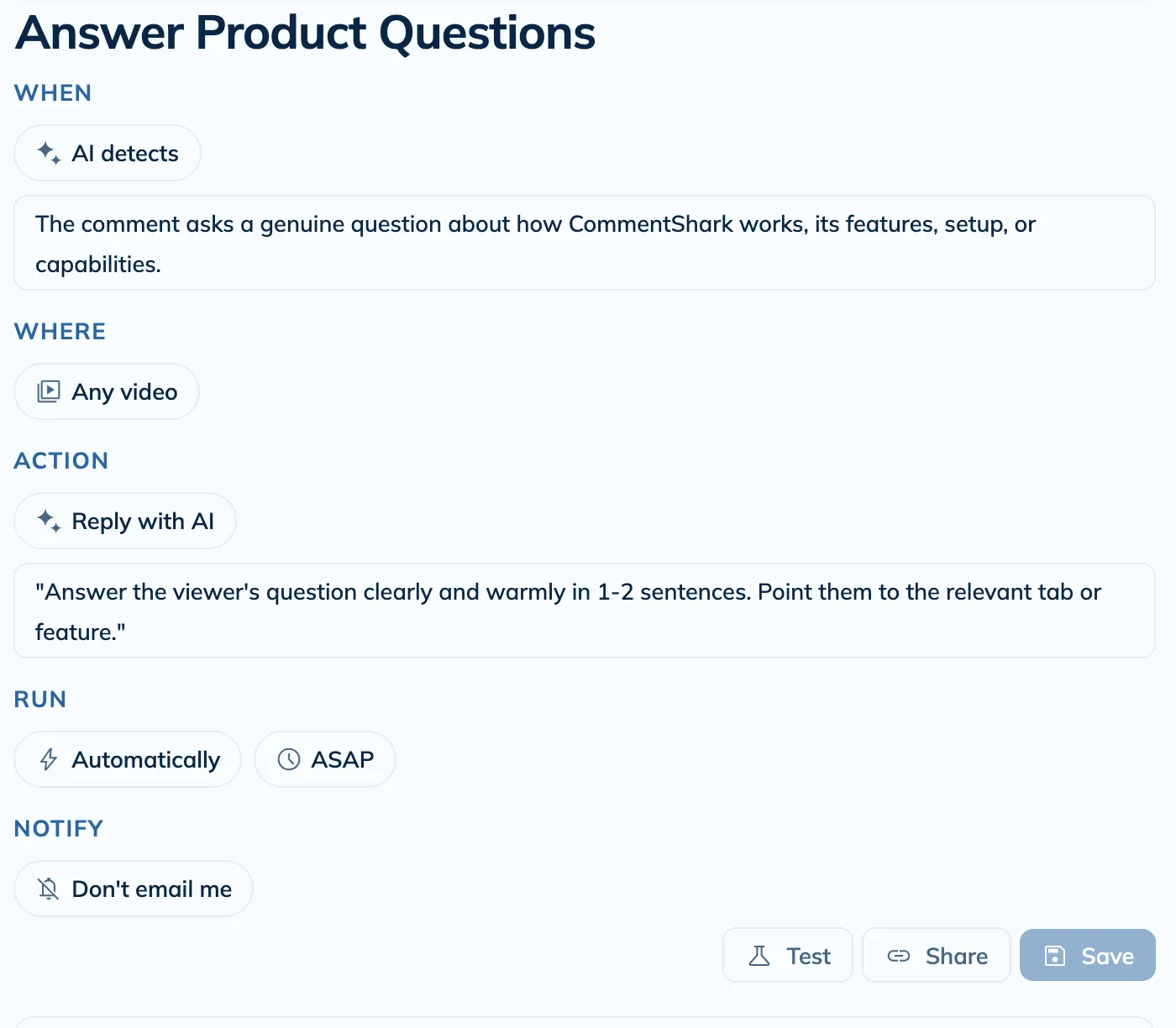
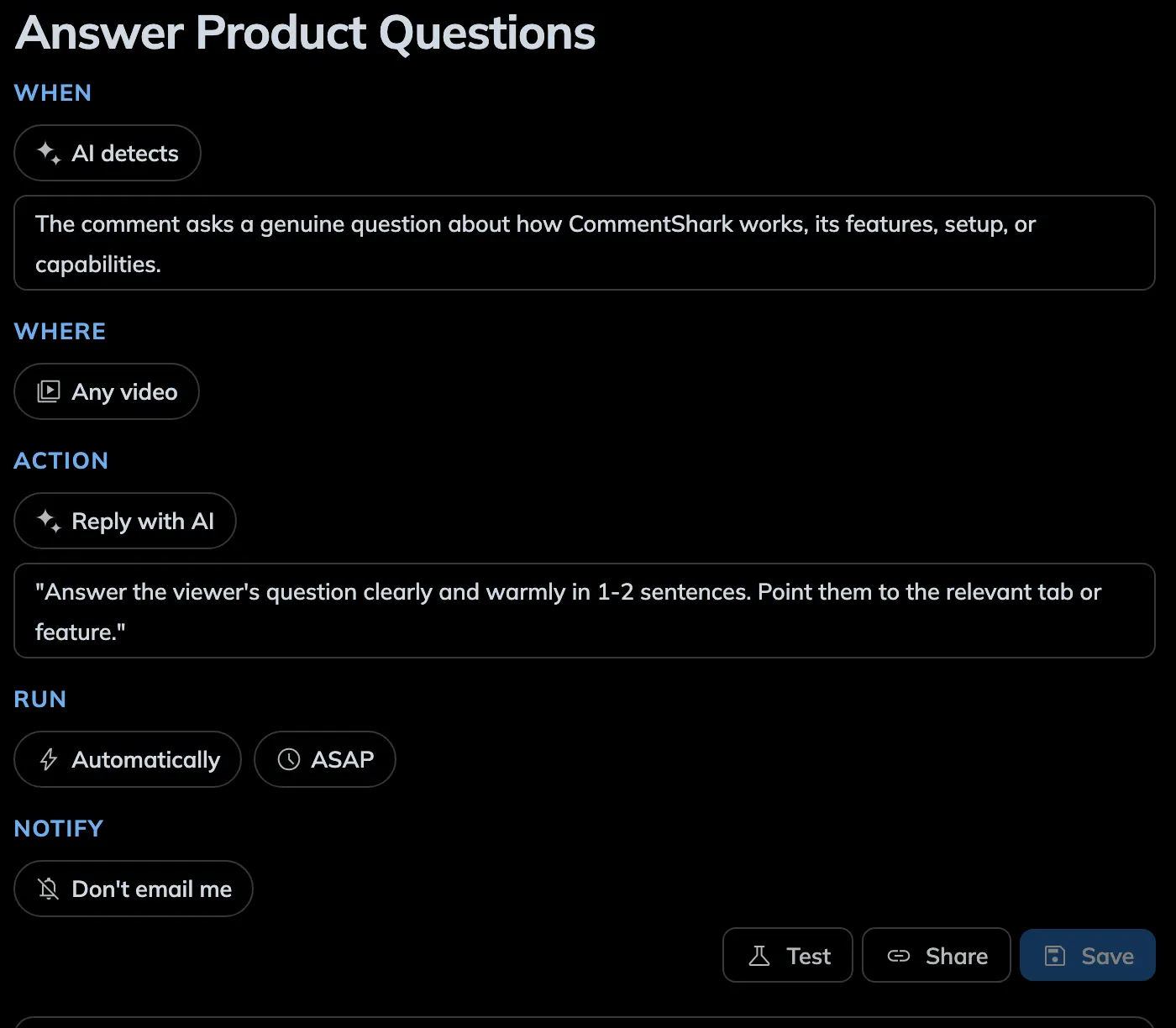
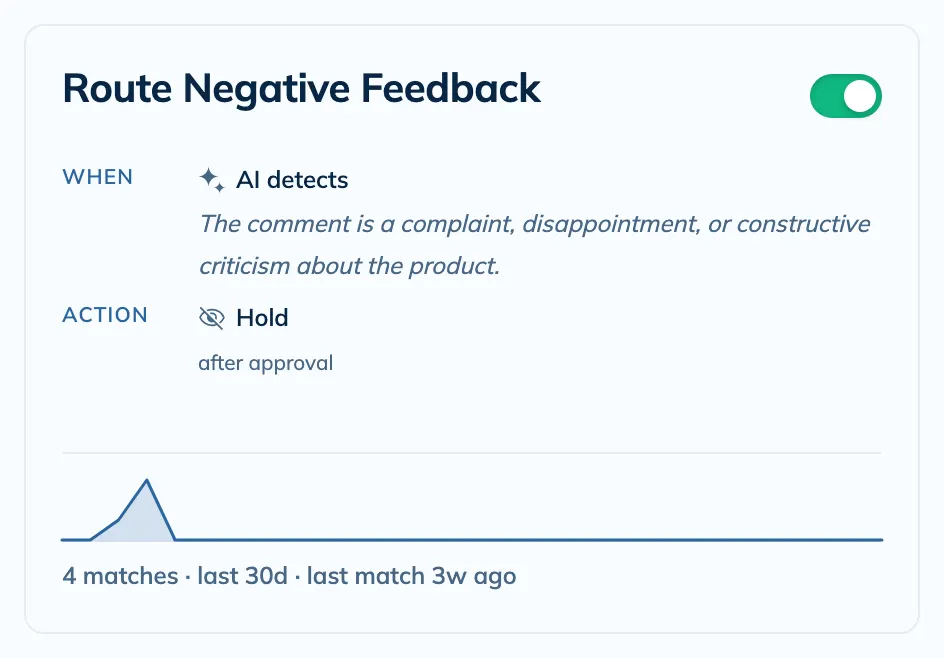
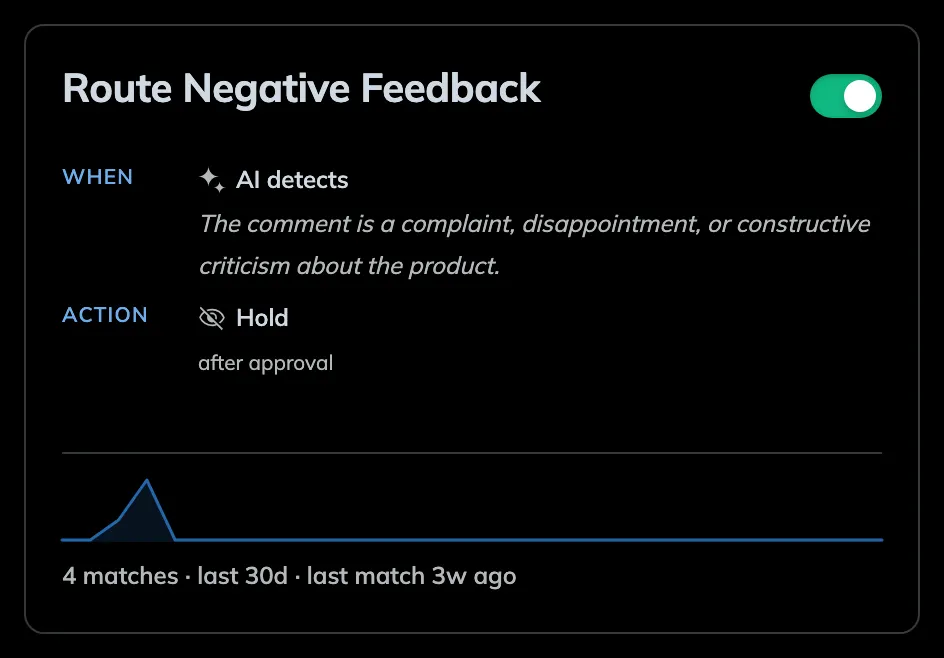
Create smart rules that automatically reply to, moderate, or delete comments using text match or AI classification. Set custom template responses, let AI generate unique replies, or auto-moderate spam. Choose autonomous action or review-before-send mode, then replay those rules on older comments when you need to backfill missed matches. Your rules run 24/7 in the background.
Protect your comment section with AI-powered moderation across 50+ languages. Automatically catch spam, hate speech, and toxic comments before they damage your brand. Perfect for agencies, brands, and creators who need clean, brand-safe comment sections at scale.
Create templated responses to quickly respond to comments. Use variables like commenter name to personalize your responses. Great for thanking viewers for watching, answering common questions, posting links to products or other videos, and more!
🔍Feature
Search, Sort & Filter
Search your YouTube comments by keywords and phrases, or even semantic search! Filter your comments by words, sentiment, dates, and more! Find exactly what you're looking for in seconds.
📊Feature
Sentiment Insights
Understand how your audience feels about every video with AI-powered sentiment analysis. Track sentiment trends over time, spot negative spikes before they snowball, and explore AI-generated comment tags that surface recurring themes, questions, and praise across your channel.
Use our AI-powered reply generator to quickly respond to your comments. It automatically learns your voice from your past replies, so every response sounds exactly like you—no training required.
⚙️Feature
Batch Actions
Apply actions to multiple comments at once. Perfect for deleting spam, replying to many comments, or screenshotting lots of comments at once. Save hours of repetitive work.
👥Feature
Top Commenters & History
Your top commenters are your most loyal fans. See who they are and what they are saying. Track viewer engagement history across all your videos and never lose context of a conversation again.
Try Our Free Tools
No credit card required. Experience the power of CommentShark today.
CommentShark is a web app that helps you scale engagement with your YouTube audience. It's the ultimate YouTube comment management tool. CommentShark allows you to quickly respond to comments, reply to multiple comments at once, use the help of AI to generate replies, template repetitive responses, search and filter your comments, find your top commenters, see your history with them, and much more!
How does it work?
+
CommentShark connects to your YouTube channel via the official API. You set up "Rules" that match specific text, use AI classification, or text matching patterns. When a new comment matches a rule, CommentShark can automatically reply, moderate (hold for review or reject), or delete the comment—running 24/7 in the background. You choose whether actions happen automatically or require your approval.
Is it safe?
+
Absolutely. We use official YouTube APIs and OAuth 2.0 for secure authentication. We only request the permissions necessary to manage your comments. We don't store your password, and you can revoke access at any time via your Google Account settings. See more at our Terms of Service.
How do I get started?
+
To get started, simply sign up with your Google account and link your YouTube channel. From there, you can start exploring the different features and configure your settings. Just login at /dashboard to get started.
Is there a free trial?
+
Yes, we offer a free tier with limited features. You can upgrade to a paid plan at any time to unlock more features and higher limits.
How much does it cost?
+
CommentShark has a flexible pricing model to suit your needs. Current plans include:
Free: 15 automated actions per month.
CommentShark Plus ($9.99/mo): 300 automated actions per month plus AI features.
CommentShark Pro ($19.99/mo): 1,500 automated actions per month.
CommentShark Premium ($49.99/mo): 3,000 automated actions per month plus priority support.
If you reach your monthly limit for comment actions, the system will pause sending replies until your next billing cycle or until you upgrade your plan. You'll be notified so you never miss a beat.
How do I contact sales for enterprise plans?
+
Use the Contact Sales form and share your team size, goals, and comment volume. We'll follow up with a tailored enterprise plan.
Does CommentShark support multiple channels?
+
Currently, CommentShark supports one YouTube channel per account. However, you can invite team members to manage your channel without sharing YouTube credentials. If you need to manage multiple channels, you'll need separate CommentShark accounts for each.
Can I invite team members to manage my CommentShark?
+
Yes! You can invite team members to help manage your CommentShark account without sharing your YouTube credentials. Go to Settings → Team Access to invite people by email. You can assign roles like Admin (full access except billing), Editor (can reply and manage rules), or Viewer (read-only). Team members will receive an invite link at their email address.
How do I delete my account?
+
You can permanently delete your account and all associated data from the Profile page in your dashboard. Scroll to the bottom to find the "Danger Zone". This action is irreversible.
Can I review replies before they are sent?
+
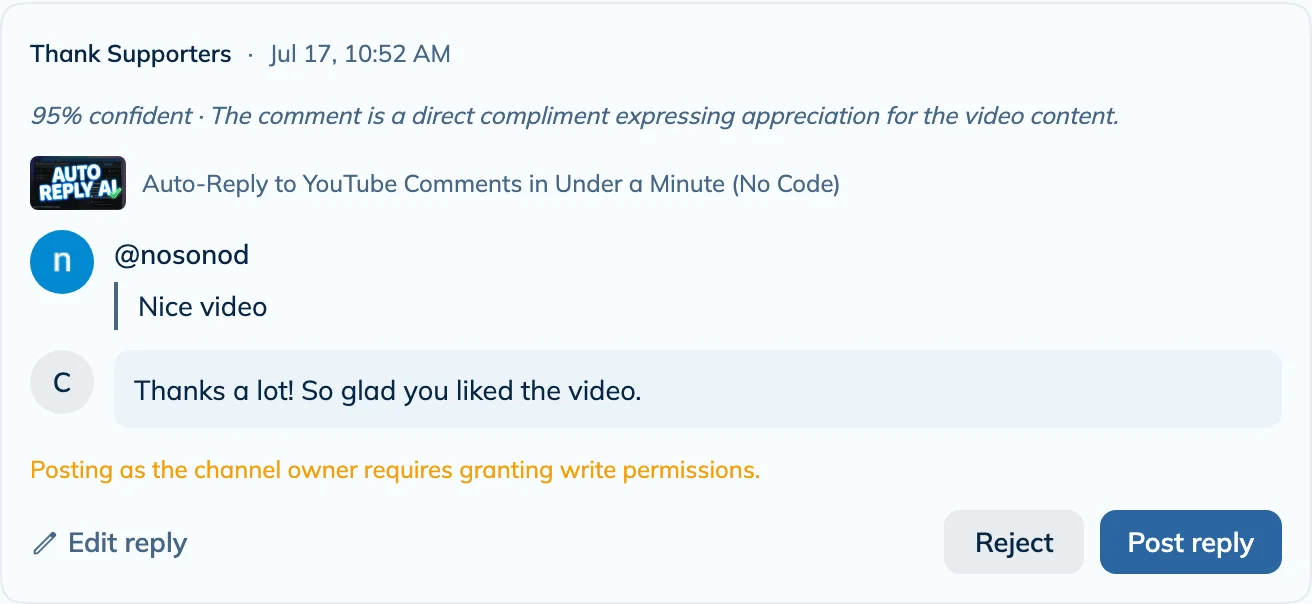
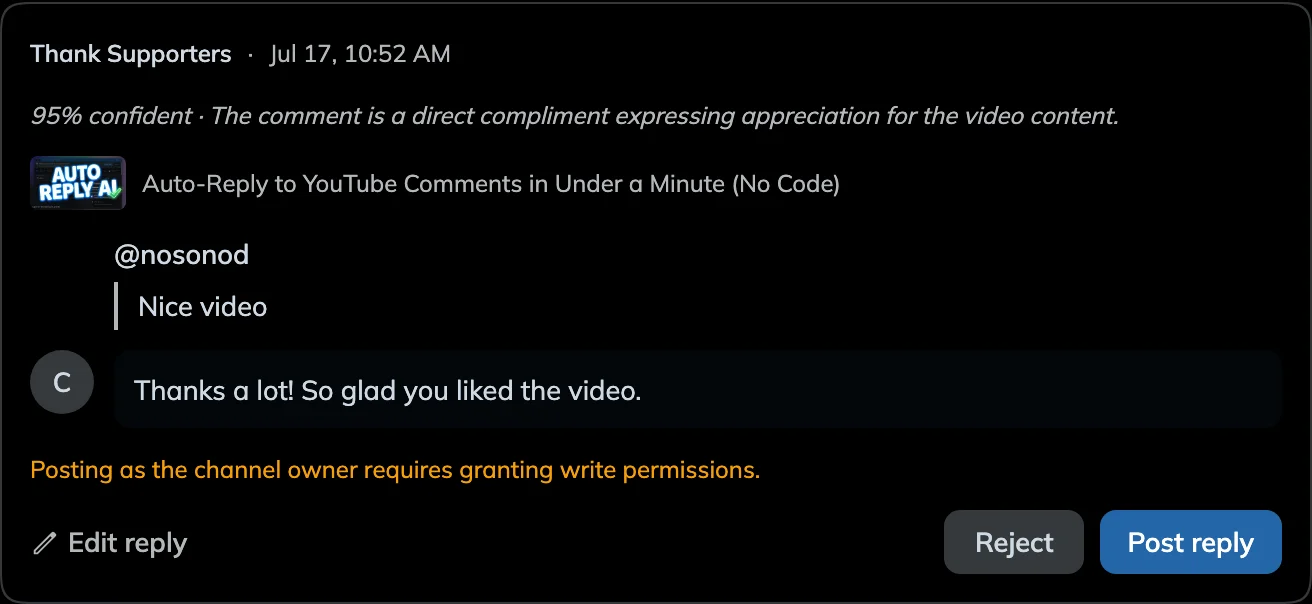
Yes! You can choose between Autonomous mode (replies are posted immediately) or Approval Required mode. In Approval Required mode, all AI-generated replies go to a queue where you can edit, approve, or reject them before they go live.
How does the AI reply generation work?
+
We use advanced AI models to analyze the sentiment and context of each comment. You can set custom instructions (e.g., "Be polite and grateful" or "Answer as a pirate") or use our smart templates. The AI generates a unique, personalized response that sounds like you. It learns from your previous replies to provide more natural responses, and you can provide more context to the AI to help it generate more accurate responses.
How long does it take for automations to reply to comments?
+
Comment actions execute after comments are synced from YouTube. Paid channels sync every hour, so the average response time is around 30 minutes. Free tier channels sync a few times per day, so actions may take several hours. This sync schedule ensures reliable delivery while managing API quota efficiently. You can monitor processed comments and see which ones matched your rules in the Activity tab.
When do automations start after I connect YouTube?
+
The first time CommentShark loads your comments into our database (for example when you open the Comments page or a video for the first time after connecting), we do not run reply rules on that ingest. That prevents flooding old threads with automated replies. After that, new comments are eligible once they appear in a sync. On paid plans, background sync runs about hourly; opening Comments while logged in can also refresh from YouTube if your data is more than about a minute stale.
Can CommentShark automatically moderate or delete comments?
+
Yes! Beyond automatic replies, you can create rules that hold comments for review, reject them outright, or delete your own replies/comments. For comments left by other viewers, YouTube's API removes them via moderation actions rather than direct deletion. This is perfect for filtering spam, hate speech, or policy-violating content before it appears on your videos. Learn more about our YouTube comment moderation capabilities.
What can't CommentShark do because of YouTube API limitations?
+
CommentShark uses the official YouTube API, so we only support actions YouTube actually exposes. That means CommentShark cannot:
Like comments
Heart comments
Pin or unpin comments
Edit comments written by other viewers
Mark comments as spam via a dedicated spam action
List or discover rejected comments from YouTube after they've been rejected
Manage comments on videos where YouTube has disabled comments
The API also doesn't expose a direct pinned-status field, so pinned comment tooling has to work within that limitation. What CommentShark can do is reply, hold for review, reject, ban authors when YouTube allows it, delete your own comments, and bulk-edit the text of your existing pinned comments.
What is brand safety and why does it matter for YouTube?
+
Brand safety refers to protecting your brand's reputation by ensuring your content (and comments) don't appear alongside harmful, offensive, or inappropriate material. On YouTube, toxic comments, spam, and hate speech can damage brand perception—68% of buyers read comments before purchasing. CommentShark's moderation tools help keep your comment sections brand-safe 24/7.
Does CommentShark support teams and agencies?
+
Yes! CommentShark supports team collaboration for agencies and enterprise brands. You can invite team members to manage comments without sharing YouTube credentials. Features include role-based permissions (Admin, Editor, Viewer), approval workflows where team members review AI suggestions, and activity tracking to see who handled which comments.
Is CommentShark secure for enterprise use?
+
CommentShark uses enterprise-grade security. We authenticate via OAuth 2.0 (we never see your password), use encrypted connections for all data, and comply with YouTube's official API policies. You can revoke access anytime via your Google Account settings.
What is the Bulk Pinned Comment Editor?
+
The Bulk Pinned Comment Editor lets you scan your recent videos for pinned comments and update them all at once. You can use find & replace, apply a template with variables like {video_title} or {channel_name}, or edit each comment individually. It's perfect for keeping your pinned comments consistent across all your videos.
What is comment sentiment analysis?
+
Sentiment analysis uses AI to score each comment on a scale from negative to positive. CommentShark automatically classifies every synced comment so you can see at a glance how your audience feels about each video, without reading thousands of comments manually.
What are AI comment tags?
+
Comment tags are automatic labels applied to each comment based on its content. Tags include categories like questions, praise, complaints, suggestions, and spam. They let you quickly filter and focus on the comments that matter most.
How accurate is the sentiment scoring?
+
Sentiment scores are computed using AI embeddings and pre-trained anchor vectors. The system works well for general YouTube comment language. Individual comments can occasionally be misjudged (sarcasm is hard for any AI), but aggregate trends across a video are highly reliable.
CommentShark uses the YouTube Data V3 API to provide you with the best YouTube comment experience.