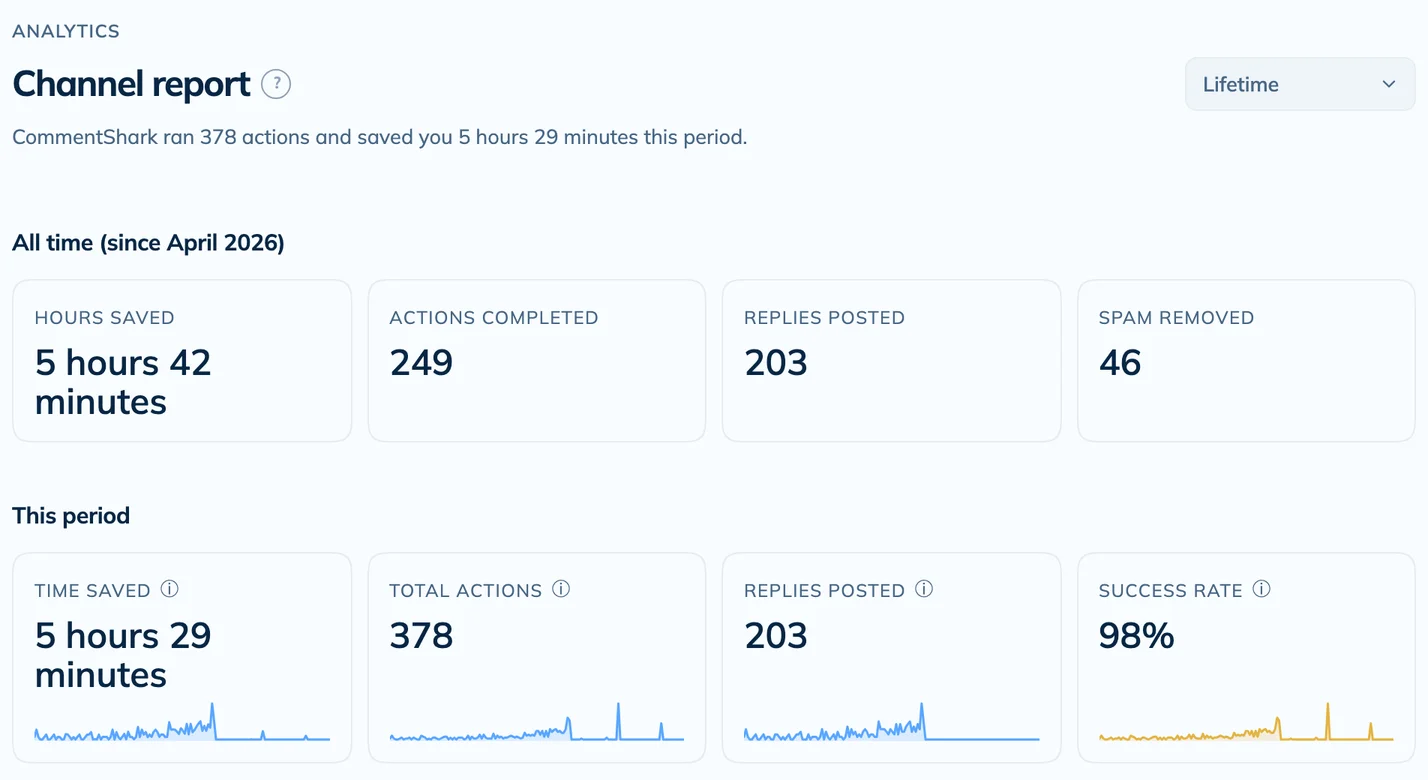
Supercharge your
YouTube Community

Automate the boring. Never miss a comment again. Auto-reply to fans, filter spam, and grow your community while you sleep.

Comments
🔑
Text Match
🧠
AI Decide
📝
Template
AI Reply
🛡️
Moderate
🗑️
Delete
👤
Review
🚀
Auto
YouTube
👆 Select a match type to start

See it in action

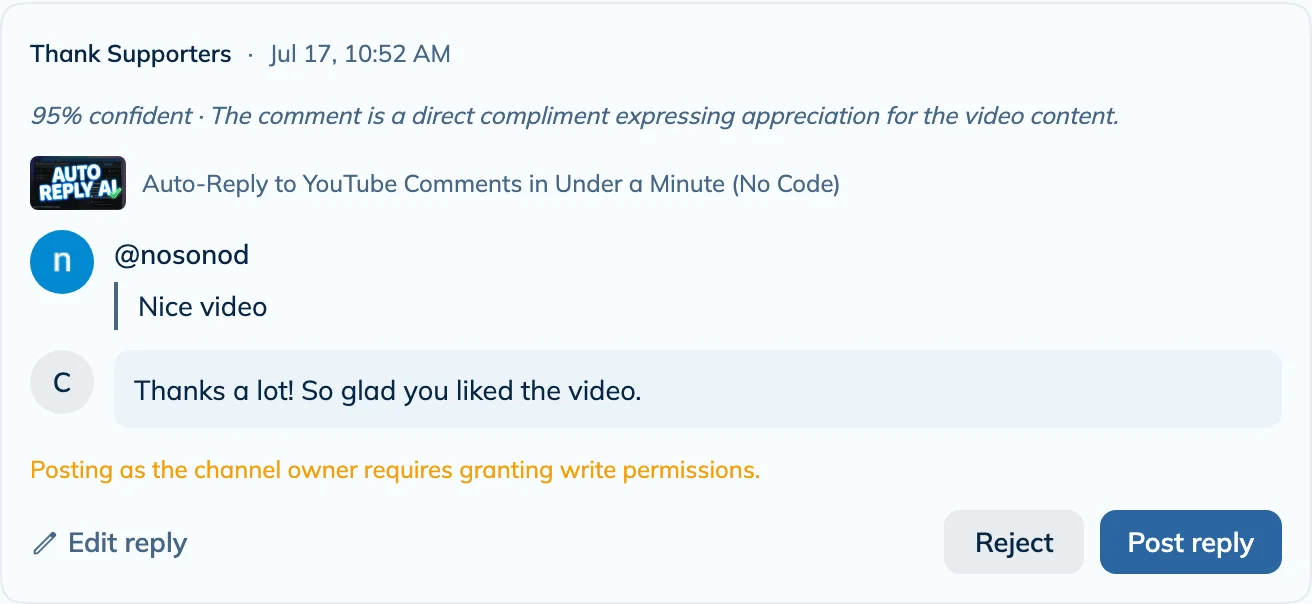
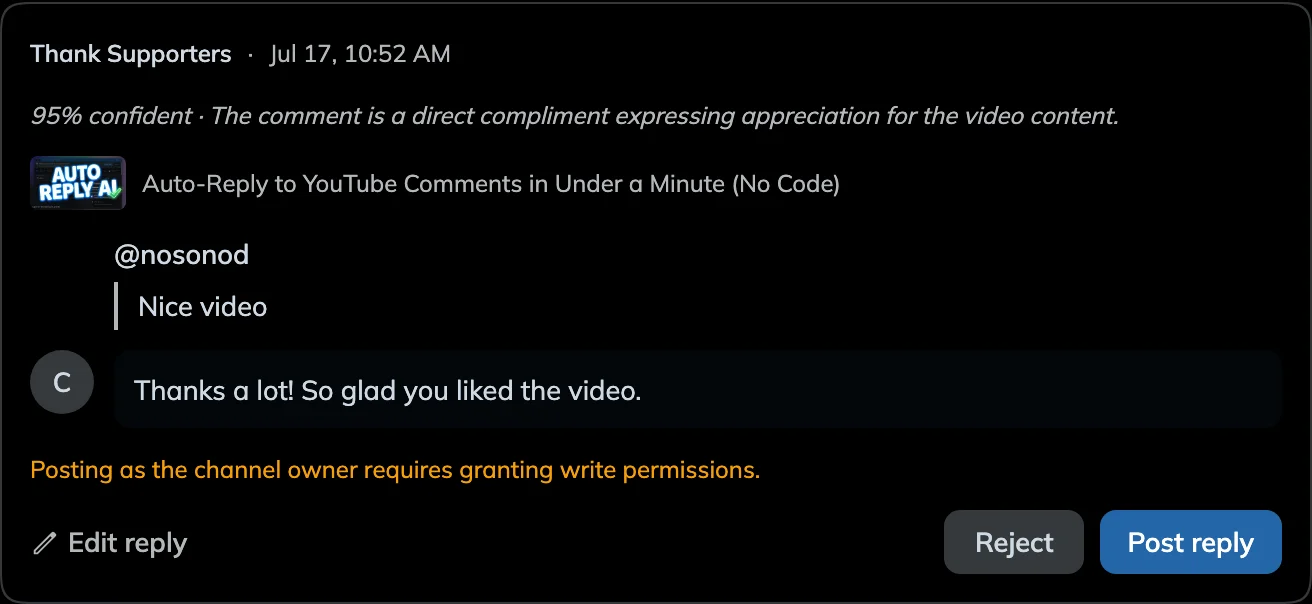
Auto-Reply to Thanks

M
@musicfan20242 min ago

Thanks so much for this tutorial! Really helped me out 🙏

🎯 Rule matched: Thank you message
🦈
@CommentSharknow

You're so welcome! Glad it helped 🦈

✅ Auto-posted instantly

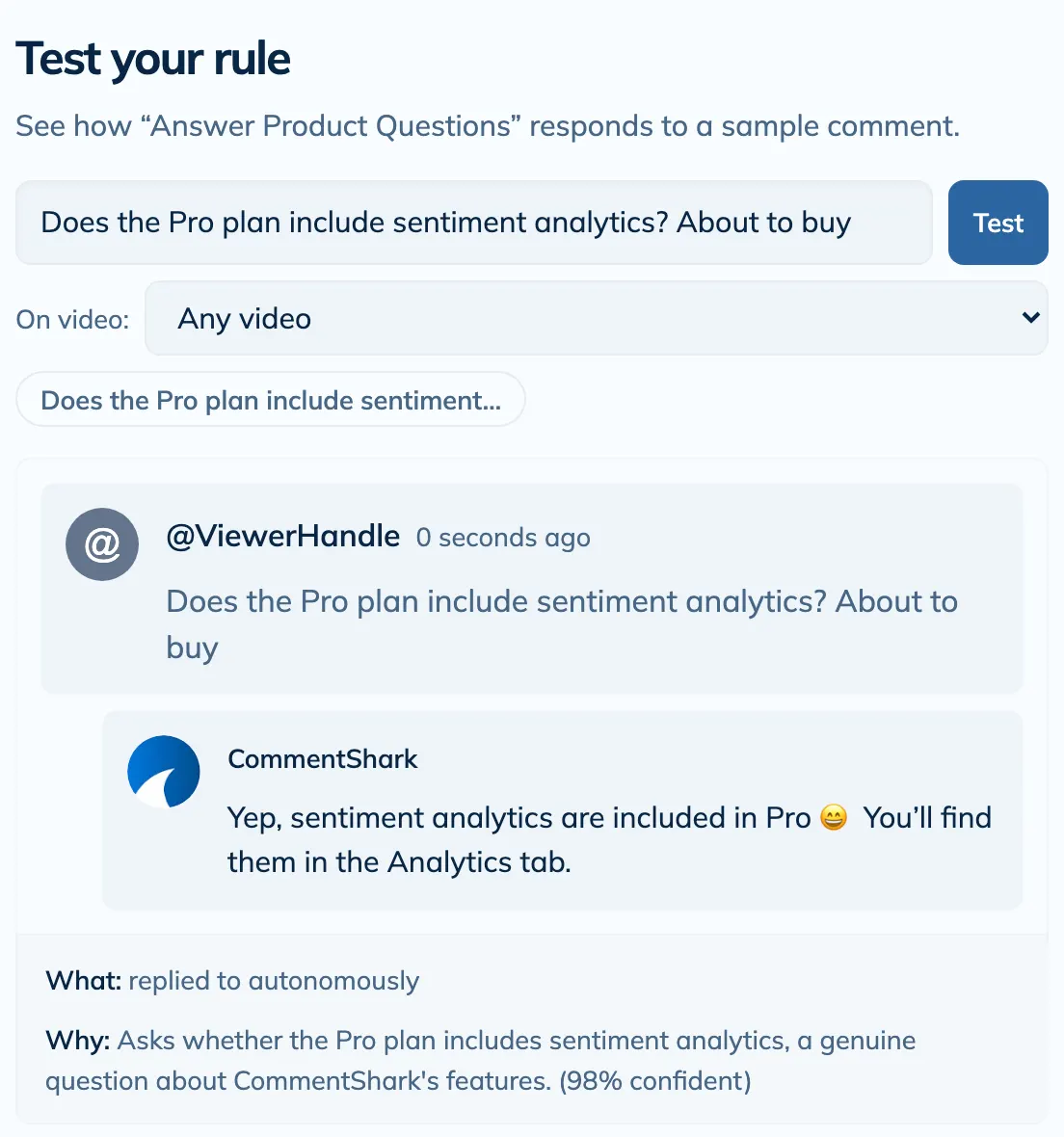
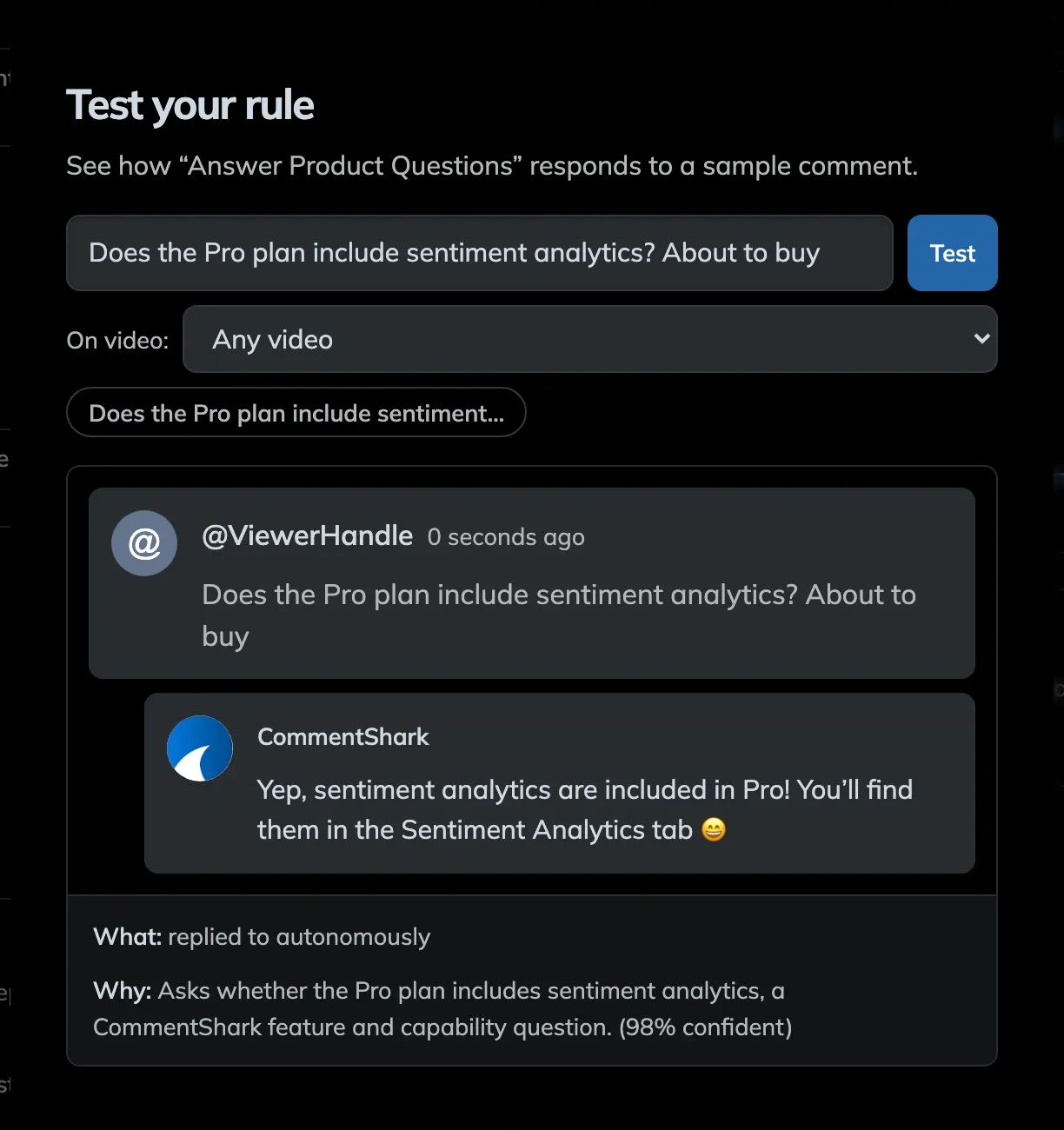
AI Reply to Product Questions

F
@fashionista_jane5 min ago

Love this outfit! Where did you get those boots? 😍

🎯 AI detected: Product inquiry
🦈
@CommentSharknow

Thanks for asking! They're from the link in my bio — use code SHARK10 for 10% off! 🛍️

✅ AI-generated reply posted

Delete Spam Automatically

G
@get_rich_fast_99just now

🔥 I made $50,000 last month click my profile link NOW!!! 💰💰💰

🎯 AI detected: Spam / scam content
🗑️ Comment deleted automatically

Review & Approve Replies

C
@curious_viewer3 min ago

Can you make a video explaining how to edit like this? Would love a tutorial! 🎬

🎯 AI detected: Content request
✍️ Draft reply ready — waiting for your approval
🦈
@CommentSharknow

Great idea! I'll add it to my list — subscribe so you don't miss it! 🔔

✅ You approved → Reply posted
Mate this is fantastic! Much better than other, well known Chrome plugins I've used. Fastest way to respond to the most comments means more engagement with my subscribers over less time. Have my team using this and they're loving it.
YouTuber with 500k+ Subscribers

Everything You Need to Scale Your YouTube Engagement

Powerful tools designed for YouTubers who want to build genuine connections with their audience without spending hours in the comments section.

🤖 Comment Assistant

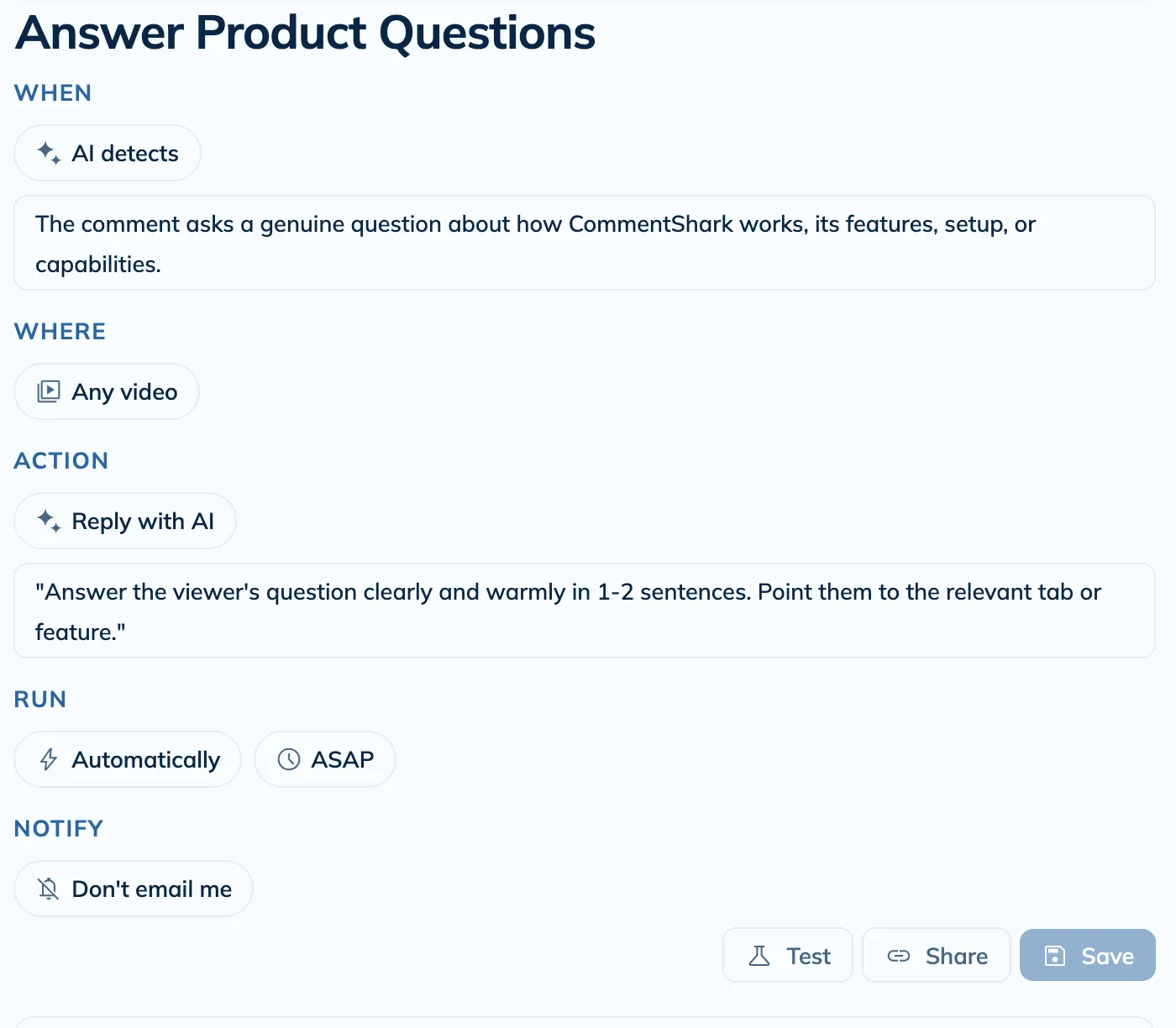
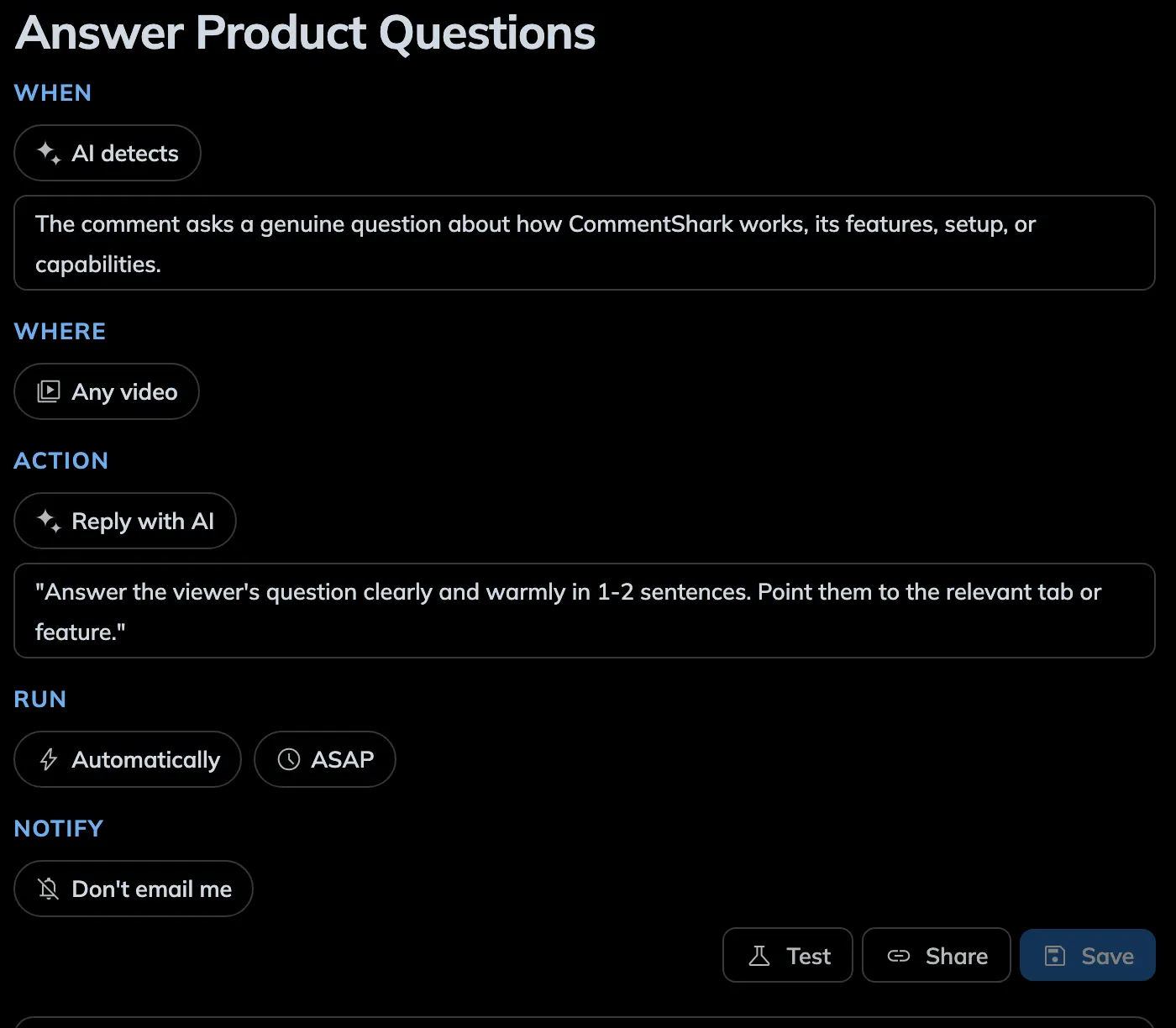
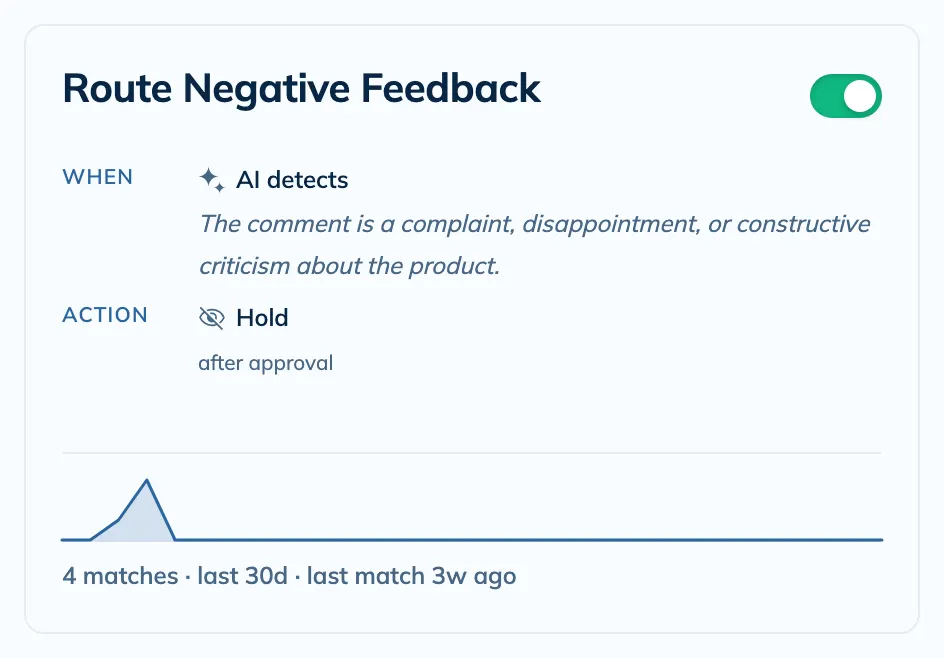
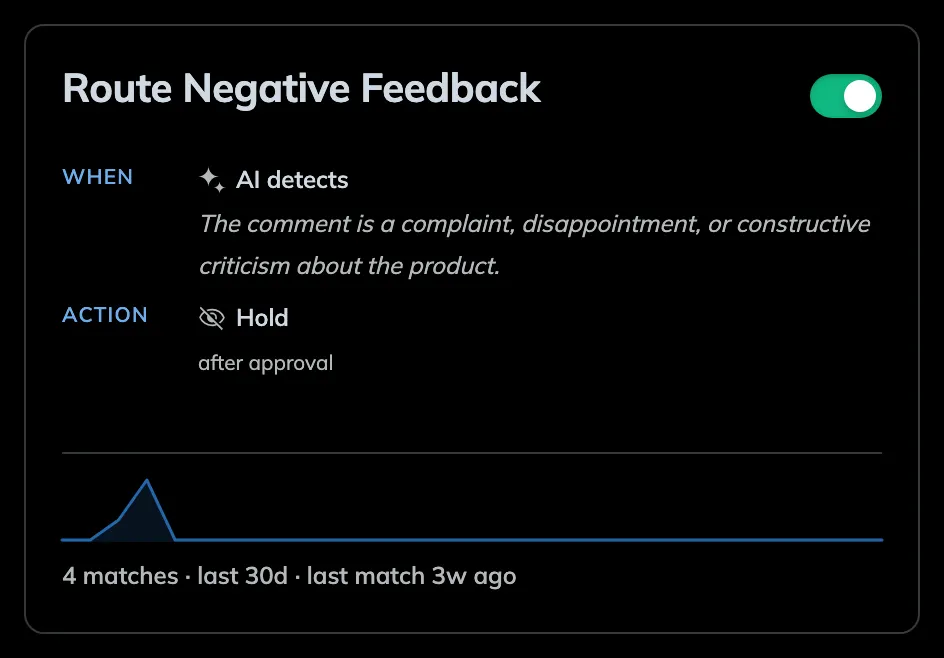
Create smart rules that automatically reply to, moderate, or delete comments using text match or AI classification. Set custom template responses, let AI generate unique replies, or auto-moderate spam. Choose autonomous action or review-before-send mode. Your rules run 24/7 in the background. Try Comment Assistant →

⚡ Templated Responses

Create templated responses to quickly respond to comments. Use variables to personalize your responses. Great for thanking viewers for watching, answering common questions, posting links to products or other videos, and more!

CommentShark reply templates

🔍 Search, Sort & Filter

Search your YouTube comments by keywords and phrases, or even semantic search! Filter your comments by words, sentiment, dates, and more!

Advanced YouTube comment search

✨ AI-Powered Reply Generation

Use our AI-powered reply generator to quickly respond to your comments. It automatically learns your voice from your past replies, so every response sounds exactly like you—no training required.

CommentShark AI Reply Generator

⚙️ Batch Actions

Apply actions to multiple comments at once. Perfect for deleting, replying or screenshotting lots of comments at once.

Batch actions for YouTube comments

👥 Top Commenters & History

Your top commenters are your most loyal fans. See who they are and what they are saying. Track viewer engagement history across all your videos and never lose context of a conversation again.

Top commenters on YouTube

Try Our Free Tools

No credit card required. Experience the power of CommentShark today.

🎲 Random Comment Picker🔎 Comment Searcher🏆 First Comment Finder

Latest from Our Blog

Learn strategies, tips, and best practices for YouTube comment management

Collection of YouTube comment reply templates displayed on a dashboard with customization options

YouTube Comment Reply Templates: 100+ Examples & How to Create Your Own (2025)

Save hours with these 100+ YouTube comment reply templates. Copy-paste examples for every situation plus learn how to create custom templates with variables.

Nov 17, 202515 min read
YouTube creator managing automated comment responses at scale with AI-powered tools

YouTube Comment Auto Responder: Scale Engagement Without Losing Authenticity

Discover how YouTube comment auto responders help creators reply to thousands of comments while maintaining authenticity. Compare automation tools, learn best practices, and boost your channel's engagement.

Nov 14, 202514 min read
YouTube creator overseeing an AI rules dashboard that automatically sends comment replies

YouTube Auto Comment Reply: The ManyChat-Style Assistant Built for YouTube (2025)

Turn CommentShark into your ManyChat-for-YouTube workflow. Build auto comment reply rules, AI responses, and approval queues made specifically for YouTube creators.

Nov 10, 202511 min read
YouTube creator celebrating giveaway winner selection with confetti and excited audience comments

How to Pick a Random Winner for Your YouTube Giveaway (2025 Guide)

Learn how to pick a fair, random winner for your YouTube giveaway using comment pickers. Step-by-step guide with free tools and best practices for 2025.

Nov 4, 20258 min read
View All Articles →

Frequently Asked Questions

What is CommentShark?+
CommentShark is a web app that helps you scale engagement with your YouTube audience. It's the ultimate YouTube comment management tool. CommentShark allows you to quickly respond to comments, reply to multiple comments at once, use the help of AI to generate replies, template repetitive responses, search and filter your comments, find your top commenters, see your history with them, and much more!
How does it work?+
CommentShark connects to your YouTube channel via the official API. You set up "Rules" that match specific text, use AI classification, or text matching patterns. When a new comment matches a rule, CommentShark can automatically reply, moderate (hold for review or reject), or delete the comment—running 24/7 in the background. You choose whether actions happen automatically or require your approval.
How does the AI reply generation work?+
We use advanced AI models to analyze the sentiment and context of each comment. You can set custom instructions (e.g., "Be polite and grateful" or "Answer as a pirate") or use our smart templates. The AI generates a unique, personalized response that sounds like you.
Can I review replies before they are sent?+
Yes! You can choose between Fully Autonomous mode (replies are posted immediately) or Approval Required mode. In Approval Required mode, all AI-generated replies go to a queue where you can edit, approve, or reject them before they go live.
How much does it cost?+
CommentShark has a flexible pricing model to suit your needs:
  • Free: 30 comment actions per month.
  • Plus ($9.99/mo): 300 comment actions per month + AI features.
  • Pro ($19.99/mo): 1,500 comment actions per month + Priority Support.
What happens if I hit my monthly limit?+
If you reach your monthly limit for comment actions, the system will pause sending replies until your next billing cycle or until you upgrade your plan. You'll be notified so you never miss a beat. Manual replies are always unlimited.
How do I get it?+
CommentShark is a web app, so you can use it in your browser. It works best on desktop, but it also works on mobile. Just login at /dashboard to get started.
Is it safe?+
Absolutely. We use official YouTube APIs and OAuth 2.0 for secure authentication. We only request the permissions necessary to manage your comments. We don't store your password, and you can revoke access at any time via your Google Account settings. See more at our Terms of Service.
Will my comments be classified as spam?+
No. Comments on YouTube are classified as spam by Youtube if they violate policy guidelines. You can read more about YouTube's spam policies and community guidelines.
Can CommentShark automatically moderate or delete comments?+
Yes! Beyond automatic replies, you can create rules that hold comments for review, reject them outright, or delete them permanently. This is perfect for filtering spam, hate speech, or policy-violating content before it appears on your videos. Combine AI classification with moderation to catch sophisticated spam that text matching filters miss.
Developed with YouTube, CommentShark uses the YouTube Data V3 API to provide you with the best YouTube comment management experience.

CommentShark uses the YouTube Data V3 API to provide you with the best YouTube comment experience.

Terms of Service Privacy PolicyFeedback Sitemap